Want to know how to download a YouTube video? Just go and watch the video! It’ll automatically be downloaded for you. Let me explain further…
While you watch the video on the web it is being downloaded for you to your /tmp directory. Try it out:
- go watch any YouTube video
- go to /tmp
- you’ll find a mysterious file name there without any extension reference. Double click and you should see that is is your video. If you’d like change the file name to something you’ll remember better and move it to whichever folder you want.
The file downloaded will be .flv so if you want another format later on, please use a converter app.
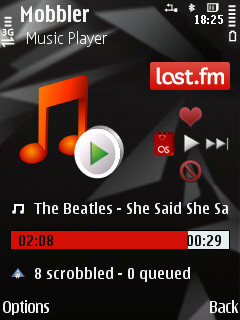 Mobbler works like a charm! It recognizes and scrobbles songs being played by the phone’s native media player, plus I get all of the cool Last.fm features such as: